That little padlock matters more than you think: HTTPS for small businesses
The small padlock with a big job
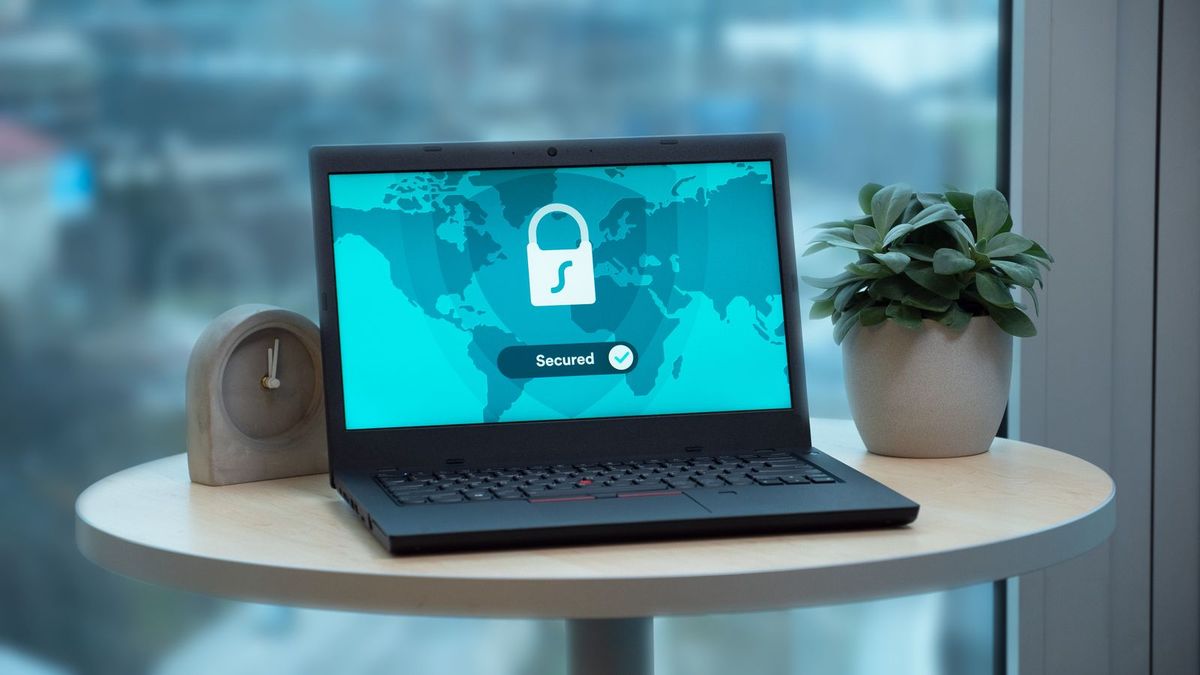
Look at the address bar when you visit a website and you will usually see a small padlock, and an address beginning with "https". Most people never think about it consciously, but they feel it. That padlock is a quiet signal that the site is safe to use, and its absence now triggers a blunt "Not secure" warning in the browser that can stop a cautious visitor in their tracks. For a small business, that warning is a silent salesperson working against you, telling every visitor your site might not be safe.
The reassuring news is that fixing this is easier and cheaper than it has ever been, usually free and often automatic. Let us look at what HTTPS actually is, why it matters even for a simple business site, and how to make sure you have it.
What HTTPS actually means
Without the jargon, HTTPS is the secure version of the connection between a visitor's browser and your website. It encrypts the information passing back and forth, so that anything sent, a name typed into a form, a message, a booking, cannot be easily read or tampered with by anyone in between. The padlock is simply the browser's way of telling the visitor that this secure, encrypted connection is in place.
You may hear it called an SSL certificate, which is the piece that enables the secure connection. You do not need to understand the technical detail. What matters is the outcome: with HTTPS, your site is served securely and shows the padlock; without it, the connection is unprotected and modern browsers flag it as "Not secure". That label is the thing you want to avoid.
Why it matters even for a simple site
A common thought is: "my site just shows my services and hours, I do not take payments, so why do I need security?" It still matters, for three reasons. First, trust. That "Not secure" warning frightens visitors regardless of what your site does; many will not know it is fairly harmless for a simple page, and they will simply leave. The padlock reassures; its absence repels.
Second, Google. Search engines favour secure sites and use HTTPS as a ranking signal, so a site without it can be quietly held back in search. Third, your forms. Even a simple site usually has a contact form, and visitors are typing their name, email and message into it. HTTPS protects that information in transit, which is both the right thing to do and increasingly expected. In short, every website needs HTTPS now, brochure sites included; it is no longer just for shops taking card details.
The good news: it is usually free and automatic
Years ago, security certificates cost money and took technical effort to install, which is why many small sites went without. That has changed completely. Free certificates are now standard, and most modern website builders and hosts include HTTPS automatically, setting it up for you behind the scenes so your site is secure from the moment it goes live, with hiçbir şey for you to configure. If you use a good platform, you may already have it and not even realise.
So for most small businesses today, having HTTPS is not a project; it is a matter of choosing a website builder or host that includes it, which the reputable ones do as standard. There is rarely any reason to pay for a certificate separately or to wrestle with installing one yourself.
How to check your own site
Checking is simple and takes ten seconds. Visit your own website and look at the address bar. If you see the padlock and your address starts with "https", you are secure and there is hiçbir şey to do. If instead you see "Not secure", or a warning, or your address starts with plain "http", then your site is missing HTTPS and it is worth fixing. Try it on both a computer and a phone. It is the kind of thing that is easy to overlook for years, quietly costing you trust and search visibility, when a quick glance would have caught it.
If you find your site is not secure, the fix depends on your setup, but it usually comes down to enabling the free certificate your host offers, or moving to a platform that includes HTTPS as standard. It is worth doing promptly, because every day without it is a day of "Not secure" warnings greeting your visitors.
A couple of things to get right after
Once your site has HTTPS, two small details keep it working smoothly. Make sure your whole site loads securely, so that visitors always land on the https version and are not left on an old insecure http address; a good platform handles this redirect for you. And if you ever move or rebuild your site, check the padlock is still there afterwards, since it is easy to lose track of during a change. These are minor points, and on a well-run platform they are taken care of automatically, but they are worth a glance so the padlock you set up stays in place.
The padlock is not the whole of security
It is worth being clear that HTTPS is one important layer, not total security. The padlock means the connection is encrypted; it does not, on its own, mean the site cannot be broken into. Broader website security also involves keeping software up to date, so known weaknesses are patched, using strong, unique passwords for your site and email, and keeping backups so you can recover if something goes wrong. For a small business this can sound daunting, but here too a good, modern platform does most of the heavy lifting: it keeps the underlying software current, applies security fixes for you, and handles backups, so you are not left maintaining a server. The practical takeaway is simple. Get the padlock in place, use sensible passwords, and choose a well-run platform that looks after the rest, and your small business site is as secure as it realistically needs to be, without you becoming a security expert.
A secure site as standard, from the start
The simplest way never to worry about this is to build on a platform where security is included. With Semalt you get a complete site in minutes with HTTPS set up automatically, so your site shows the padlock and is served securely from the moment you publish, with no certificates to buy or configure. You build your site, publish, and the lock is simply there.
It is free to try, and you can go live straight away or connect your own domain later. Check your address bar for the padlock, make sure that "Not secure" warning is nowhere near your business, and give every visitor the quiet reassurance that your site is safe.
