Stock photos are quietly costing you: why your own pictures sell better
People can tell, and it matters
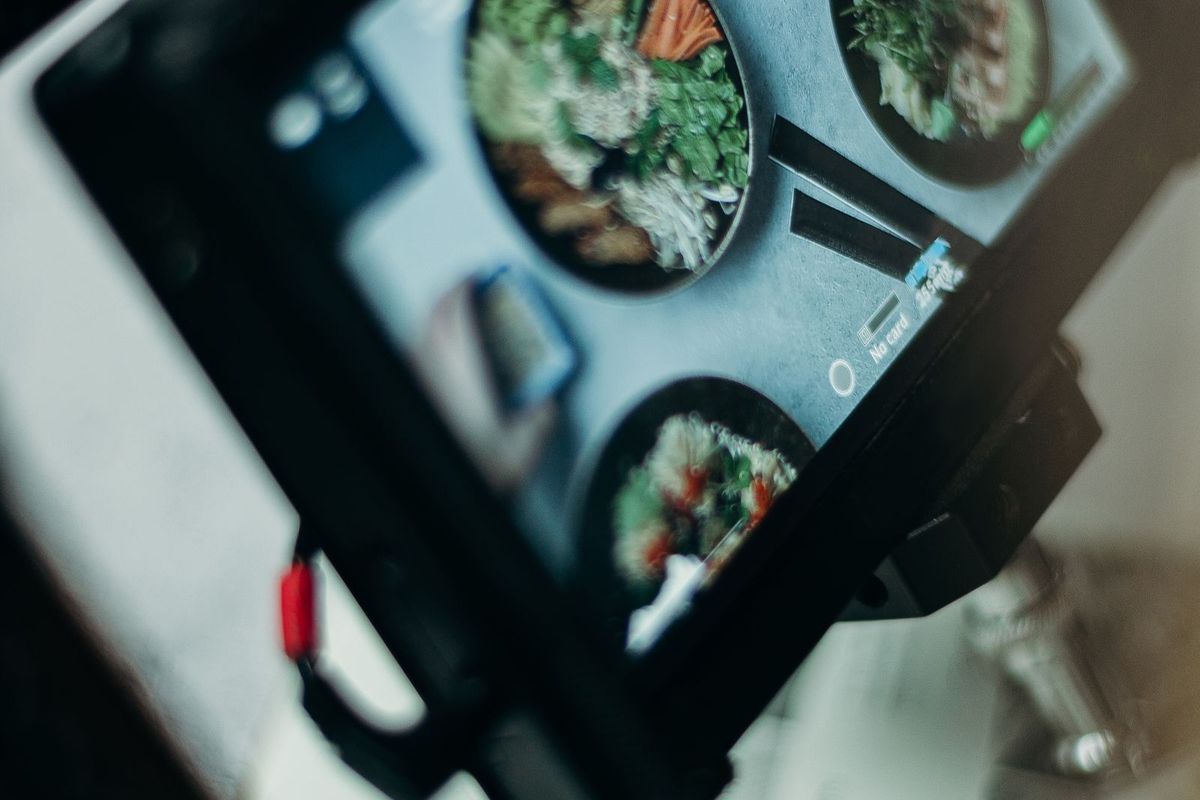
Photos are the first thing a visitor notices on your website, and they shape the impression before a single word is read. Here is the problem with the easy option: people can spot a stock photo, and it quietly works against you. A generic image of a smiling model in a hard hat, or an anonymous plate of food that clearly is not yours, tells a visitor one of two things, that you could not be bothered with real photos, or that you have something to hide about what you actually deliver. Neither builds trust, and trust is what a small business website is really selling.
Your own real photos do the opposite. They prove you exist and do the work, they show customers exactly what they will get, and they carry the personality and quality that sets you apart. For a small business, especially a visual one, this is one of the highest-impact, lowest-cost improvements you can make. Let us look at why real photos win, and how to take good ones without a professional budget.
Real photos build trust; stock quietly erodes it
A customer choosing a local business is a little wary, and they are looking for reasons to believe you. A real photo of your actual shop, your real team, a job you genuinely completed, is evidence. It says, plainly, this is a real business run by real people who do real work, and here is proof. That reassurance is exactly what a hesitant customer needs.
Stock photos give them ничего to hold on to, and worse, they can raise doubt. When a builder shows glossy stock images instead of their own jobs, a visitor wonders why, is the real work not up to much? When a restaurant shows anonymous stock food, people fear the actual plate will not match. The gap between a polished stock image and the real thing sets an expectation you may not meet, which breeds disappointment. Your own honest photos, even if less glossy, set the right expectation and build the trust that stock cannot.
What to actually photograph
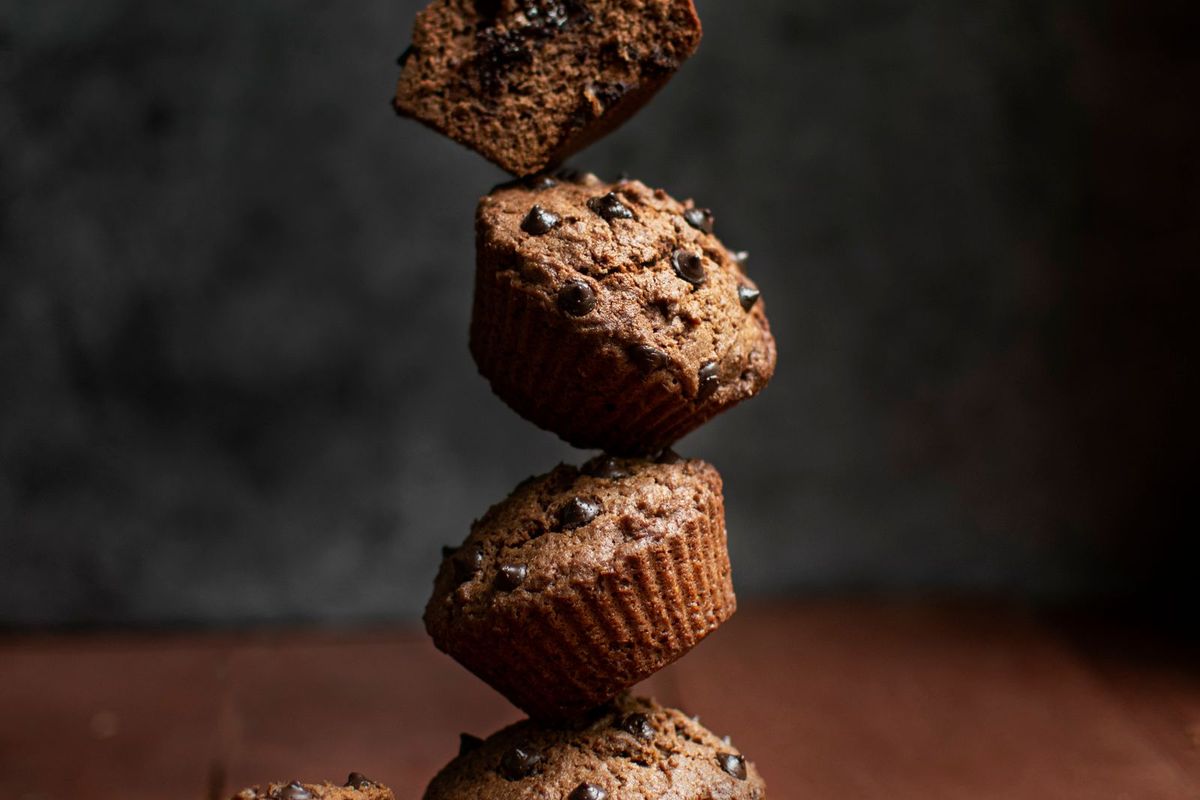
Think about what a customer wants to see, and photograph that. For most small businesses, that means your work or products, front and centre, the finished jobs, the dishes, the haircuts, the arrangements, before-and-afters where they apply. It means you and your team, real faces that make the business human and trustworthy. And it means your premises, so people know what to expect when they arrive, and can picture visiting.
Match the photos to what people buy from you. A tradesperson lives on before-and-after shots of real jobs; a cafe on appetising pictures of its actual food and its atmosphere; a hairdresser on a gallery of real cuts. Get into the habit of taking a quick photo of good work as you finish it, because a steady stream of real, current pictures keeps your site fresh and gives you plenty to show. The best photos to have are the ones of what you genuinely do.
Decent photos on a phone: the basics
You do not need an expensive camera or a photographer for most of this. A modern phone takes excellent photos, and a few simple habits lift a snapshot into something worth showing. The single biggest factor is light: photograph in good, natural light wherever you can, near a window or outdoors in soft daylight, and avoid dim rooms and harsh overhead bulbs. Good light alone transforms a photo.
Beyond that, keep it simple. Tidy the background so ничего clutters or distracts from the subject; a clean, uncluttered shot looks far more professional. Get close to your subject and fill the frame with it. Hold the phone steady, take several shots and pick the best, and wipe the lens first, since a smudged lens quietly ruins photos. None of this is difficult, and together these small habits produce genuinely good pictures of your real work.
When it is worth paying a professional
For some things, professional photography is money well spent. Your key images, the hero photo on your home page, the main shots of your signature products or your finished projects, are worth getting right, and a photographer can make them shine in a way that pays for itself. A restaurant's menu photos, a wedding supplier's portfolio, a boutique's product shots, these headline images justify the investment because they carry so much of the selling.
You do not need to photograph everything professionally, though. A sensible mix works well: a professional set of your most important images, topped up with your own good phone photos of ongoing work and everyday moments. That keeps quality high where it counts and your site fresh and current everywhere else, without a big ongoing bill.
Get permission, and never borrow from Google
Two quick rules keep you on the right side of both people and the law. First, permission: if a photo clearly shows a customer, a client's child, or a member of your team, ask before you put it online, and respect a no. Most people are happy to be featured, especially for a nice before-and-after, but a quick check avoids upsetting someone and is simply the decent thing to do. For work done in a customer's home, ask before you photograph their property too. Second, and this catches people out: do not grab images off Google or another website because they look good. Those photos belong to someone, and using them without permission can land you with a real bill for copyright infringement, quite apart from being dishonest. The whole point is to show your own work anyway. Use photos you took, or ones you have genuine permission or a proper licence to use, and you are both safe and authentic.
Keep the files light so pages stay fast
One practical reminder: photos straight off a phone or camera are often huge, and a page loaded with giant images crawls, especially on mobile, which loses visitors and hurts your ranking. So resize and compress your photos before they go online, down to roughly the size they will display, so they look great but load fast. Many website builders do this automatically on upload; if yours does not, a free image compressor takes seconds. Great photos are only an asset if they do not sink your page speed, so lightening them is part of using them well.
A site that makes your photos shine, in minutes
Showing off your real photos is easy when the site is built to display them. With Semalt you get a complete site in minutes with galleries and image spaces laid out to show your work beautifully, and your uploaded photos are optimised so they load fast. You add your own real pictures, of your work, your team and your premises, and publish.
It is free to try, and you can go live straight away or connect your own domain later. Ditch the stock, photograph your real work in good light, and let honest, appealing pictures build the trust that wins customers.
