Your photos can be found too: simple image SEO for a small business
Photos are a search channel, not just decoration

Most small business owners think of photos as decoration: nice to look at, but not part of being found on Google. That is a missed opportunity. Images are their own search channel, through Google Images, where people hunt for exactly what a product, a haircut, a cake or a finished patio looks like. And well-prepared images help your ordinary pages rank better too, because search engines reward pages that load fast and are clearly described. A little care with your photos does real SEO work.
None of it is technical. Image SEO for a small business comes down to a handful of simple habits, and once you know them they take moments per photo. Here they are.
Use your own real photos
Before any technical step, the most important image decision is what the photo shows. Use your own genuine photos of your work, your premises, your team, your products, not generic stock images. Real photos build trust with customers, who can spot a stock picture and quietly discount it, and they give search engines authentic, relevant content tied to your actual business. A real photo of your actual shopfront or your real finished job is worth far more, to people and to Google, than a polished but anonymous stock image that could belong to anyone.
So the foundation of image SEO is simply having good, honest photos in decent light. Everything below makes those real photos work harder; none of it can rescue a page full of generic stock.
Nimi the file before you upload it
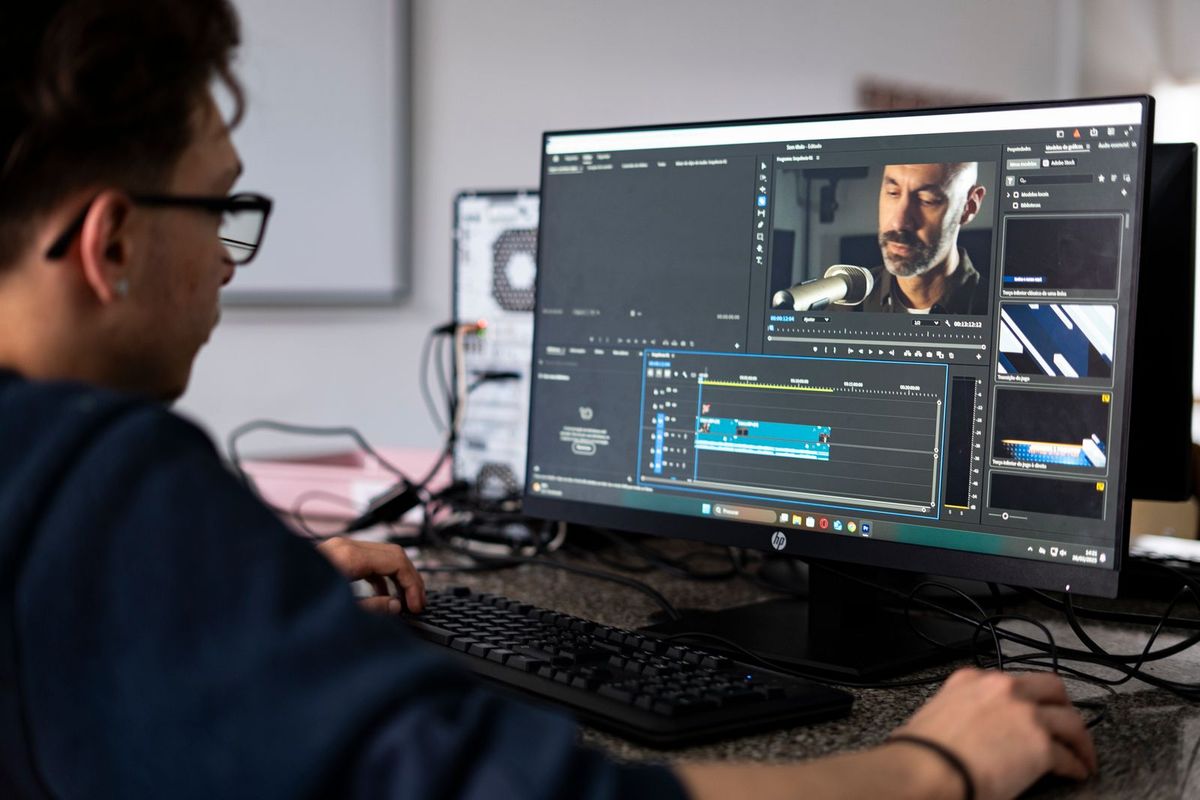
Cameras and phones name photos things like "IMG_4837.jpg", which tells Google ei mitään. Before you upload, rename the file to describe what it actually shows, using plain words and hyphens between them: "sourdough-bread-loaf.jpg", "kitchen-extension-oakham.jpg", "balayage-hair-colour.jpg". The file name is a small signal search engines read to understand the image, so a descriptive name gently helps it appear for the right searches.
Keep it natural and honest, describing the real content, and do not stuff it with a string of keywords, which looks spammy and helps ei mitään. Just a short, true description of what is in the picture. It takes a few seconds per photo and it is one of the easiest image-SEO wins there is, done once at upload.
Write alt text that describes the picture
Alt text is a short written description of an image, and it does two jobs. It tells search engines what the image shows, which is the main way Google Images understands your photos, and it is read aloud by screen readers to people who cannot see the image, which makes your site more accessible. Both are good reasons to bother.
Write alt text as a plain, honest description of what is genuinely in the photo, as if describing it to someone on the phone: "florist arranging a bouquet of white roses", "before and after of a re-turfed back garden". Include a relevant detail or location naturally where it fits, but describe the actual image rather than cramming in keywords. Every meaningful photo on your site deserves its own unique alt text; the same generic description copied onto every image helps neither Google nor a visitor using a screen reader.
Shrink the file so the page stays fast
A photo straight off a phone can be several megabytes, far heavier than a website needs, and a page loaded with big images crawls, especially on mobile. Since slow pages lose visitors and rank worse, resizing and compressing your images is image SEO as much as speed work. Shrink each photo to roughly the size it will display and compress it so the file is small without looking worse.
A good photo can drop to a fraction of its original size with no visible loss of quality. Many website builders do this automatically on upload, resizing and compressing so you cannot accidentally slow your own site with a giant picture. If yours does not, a free online image compressor takes seconds. Light images keep your pages fast, which helps every kind of search ranking, not just image search.
Give images room and context on the page
Where and how you place an image matters too. Put photos near text that relates to them, because search engines use the surrounding words to help understand what a picture is about; a photo of a finished bathroom sitting in your bathroom-fitting section is clearer than one floating alone. A short caption, which visitors actually read, adds helpful context for both people and Google. And set your images to load sensibly so they do not hold up the page. None of this is heavy work; it is just placing photos thoughtfully rather than dumping them in, and it quietly strengthens both the image and the page it lives on.
Some businesses get real traffic from image search
It is worth knowing that image search matters far more for some trades than others, so you can judge how much effort to put in. If what you sell is visual and people shop with their eyes, the payoff is real. Someone planning a kitchen searches images of finished kitchens; a bride hunts pictures of cakes, flowers and venues; a customer browses photos of hairstyles, tattoos, nail designs or garden makeovers before they ever read a word. For these businesses, a well-named, well-described photo appearing in Google Images can lead a ready customer straight to your site. If your work is that kind of visual, treat image SEO as a genuine marketing channel and give your best photos the file names, alt text and captions they deserve. If your trade is less visual, the same habits still help your pages load and rank, just with image search itself mattering a little less.
A little effort, doubled benefit
The nice thing about image SEO is that every step serves two goals at once. Descriptive file names and alt text help you appear in image search and make your site more accessible. Compressed images speed up your pages, which helps all your rankings and keeps visitors from leaving. Real photos build trust and give search engines genuine content. You are not doing separate SEO chores; you are simply handling your photos properly, and getting discovery, speed, trust and accessibility as a bundle. For a visual business especially, a florist, a builder, a baker, a hairdresser, this is some of the highest-value, lowest-effort work you can do.
A site that handles your images for you
Much of this becomes automatic with the right tool. With Semalt you get a complete site in minutes that optimises and resizes your uploaded photos and gives you a simple place to add descriptive alt text, so your real images load fast and are ready to be found. You upload your genuine photos, add a line of alt text describing each, and publish.
It is free to try, and you can go live straight away or connect your own domain later. Use real photos, name and describe them plainly, shrink them before uploading, and turn your pictures into another way customers find you.
